Answer-first Block
AI files are the most suitable format for plush toy production because they are fully editable and scalable, while PDF is acceptable for review and PNG is only suitable for visual reference.
If your goal is accurate sampling and cost control, AI format reduces revision cycles by 20–40% compared to PNG-based artwork.
What Each File Format Actually Means in Production
PDF files are often flattened versions of artwork that may or may not retain editable layers depending on export settings.
In our sampling experience, these differences directly affect how fast we can review how similar plush samples are executed.
Editability Directly Affects Sampling Cost and Time
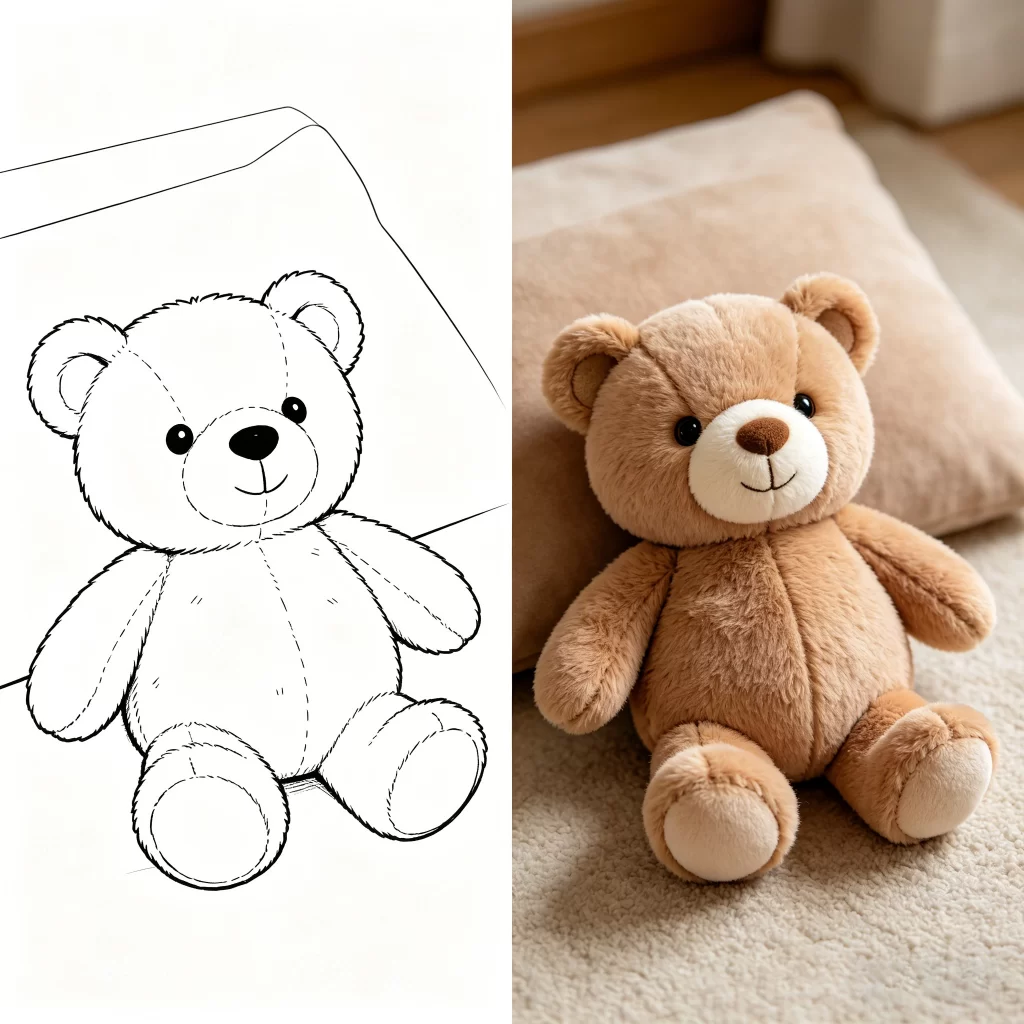
Editability determines how easily we can adjust the design during sampling.
- AI files: fully editable, allow fast adjustments within hours
- PDF files: partially editable, may require reconstruction
- PNG files: not editable, often require redrawing from scratch
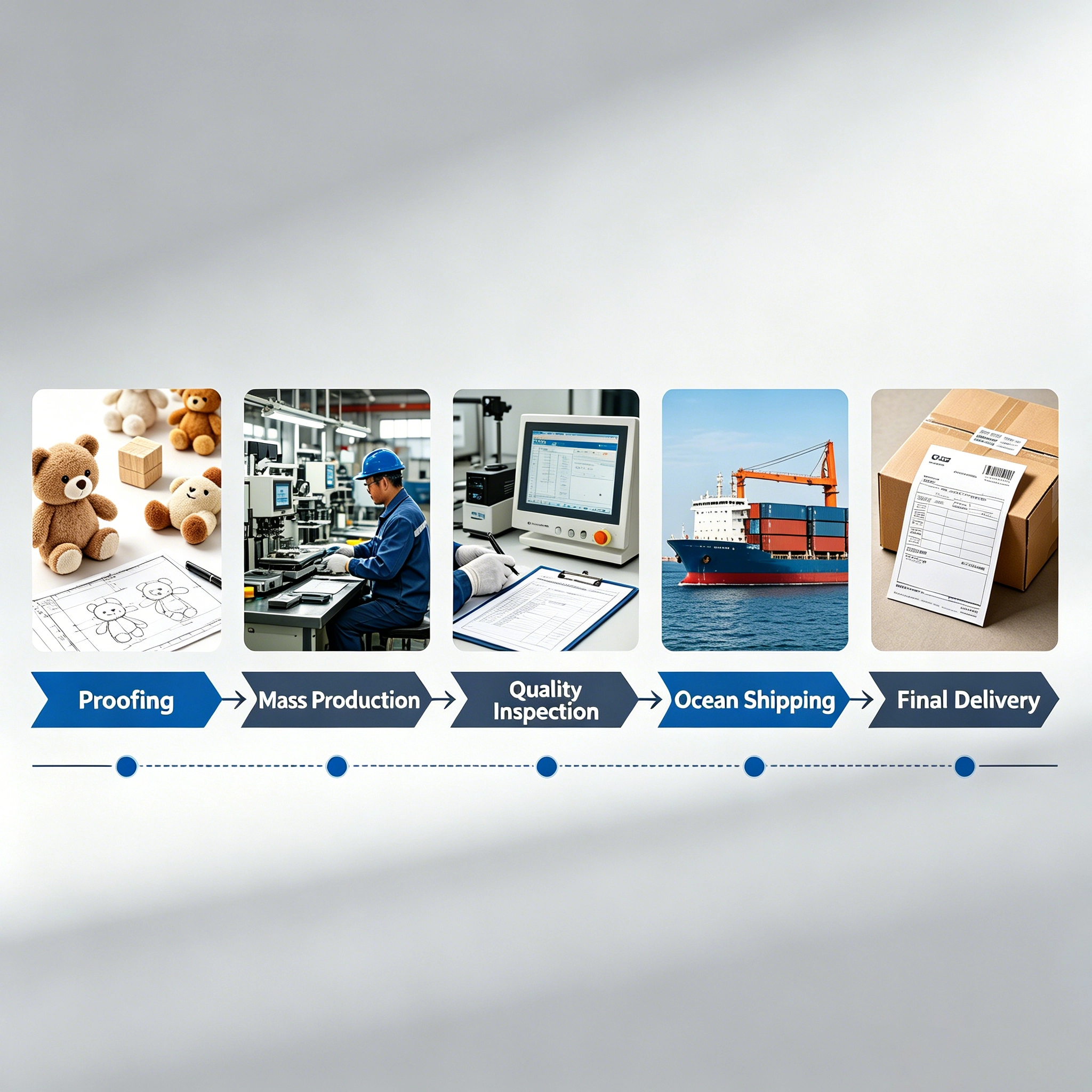
We have seen cases where using PNG files increased sampling time from 12 days to nearly 18 days due to manual recreation.
This also increases development cost typically by 15–30%.
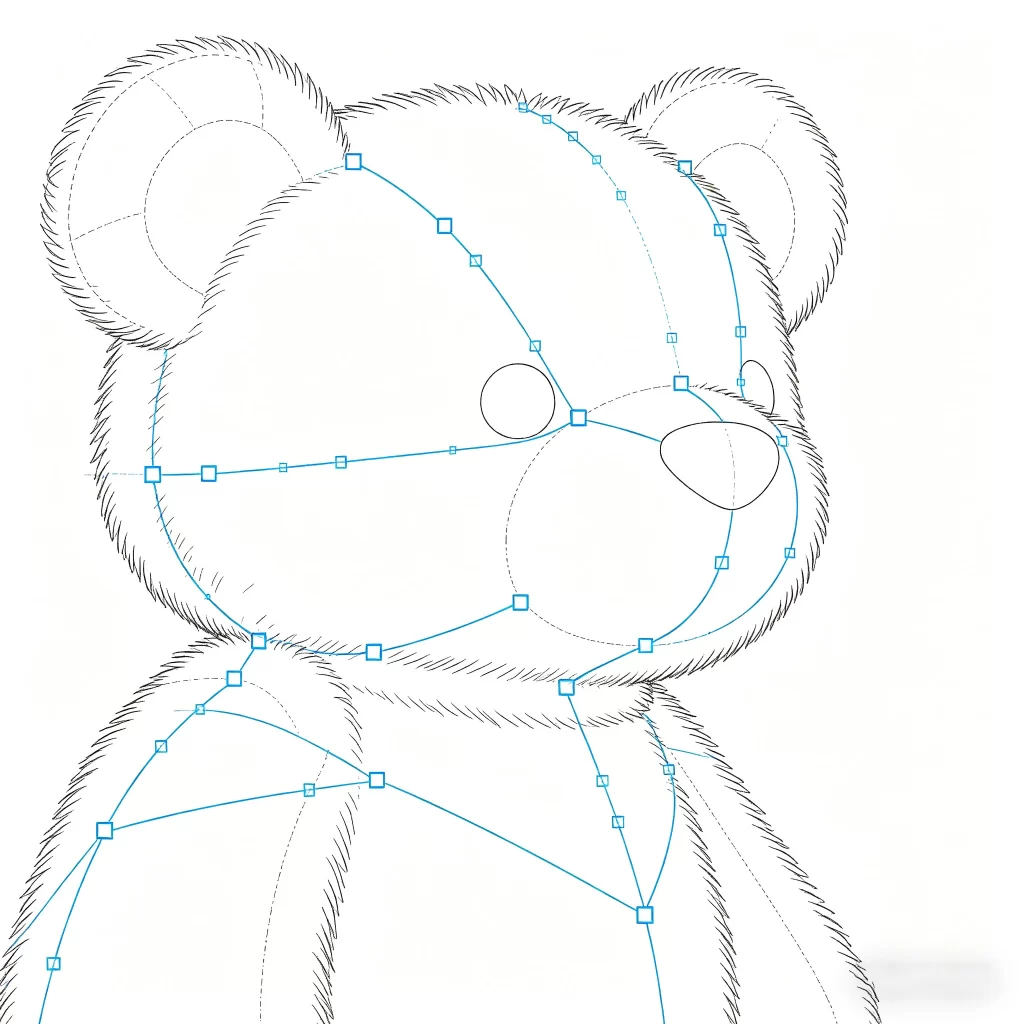
Image Quality Impacts Final Product Accuracy
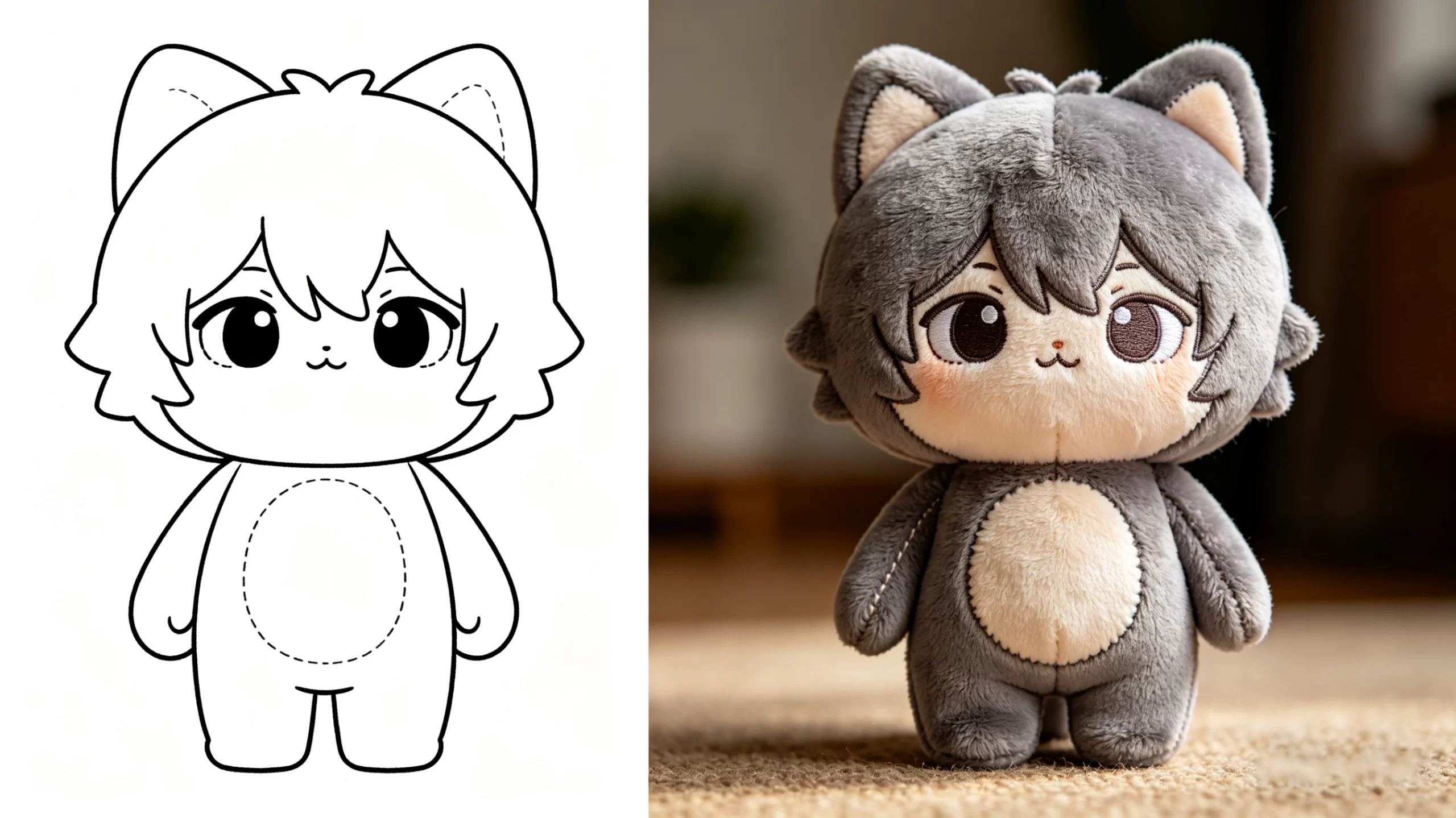
Image quality determines how well details translate into embroidery or printing.
- AI files maintain sharp edges at any size (10cm to 50cm plush)
- PDF files depend on export quality
- PNG files lose clarity when enlarged
For example, a logo designed at 500px PNG often becomes blurry when applied to a 25cm plush toy surface.
We usually recommend vector-based files to maintain consistency across different product sizes.
Size and Proportion Control in Plush Development
Plush toys are not flat products, so proportion control is critical.
AI files allow precise measurement control (e.g., head-to-body ratio 1:1.8), while PNG files only provide visual reference.
Without scalable files, we often need to estimate proportions, which can lead to 10–15% deviation in the first sample.
This is one of the most common reasons for multiple sampling rounds.
Color Accuracy and Pantone Matching
Color control is another major factor.
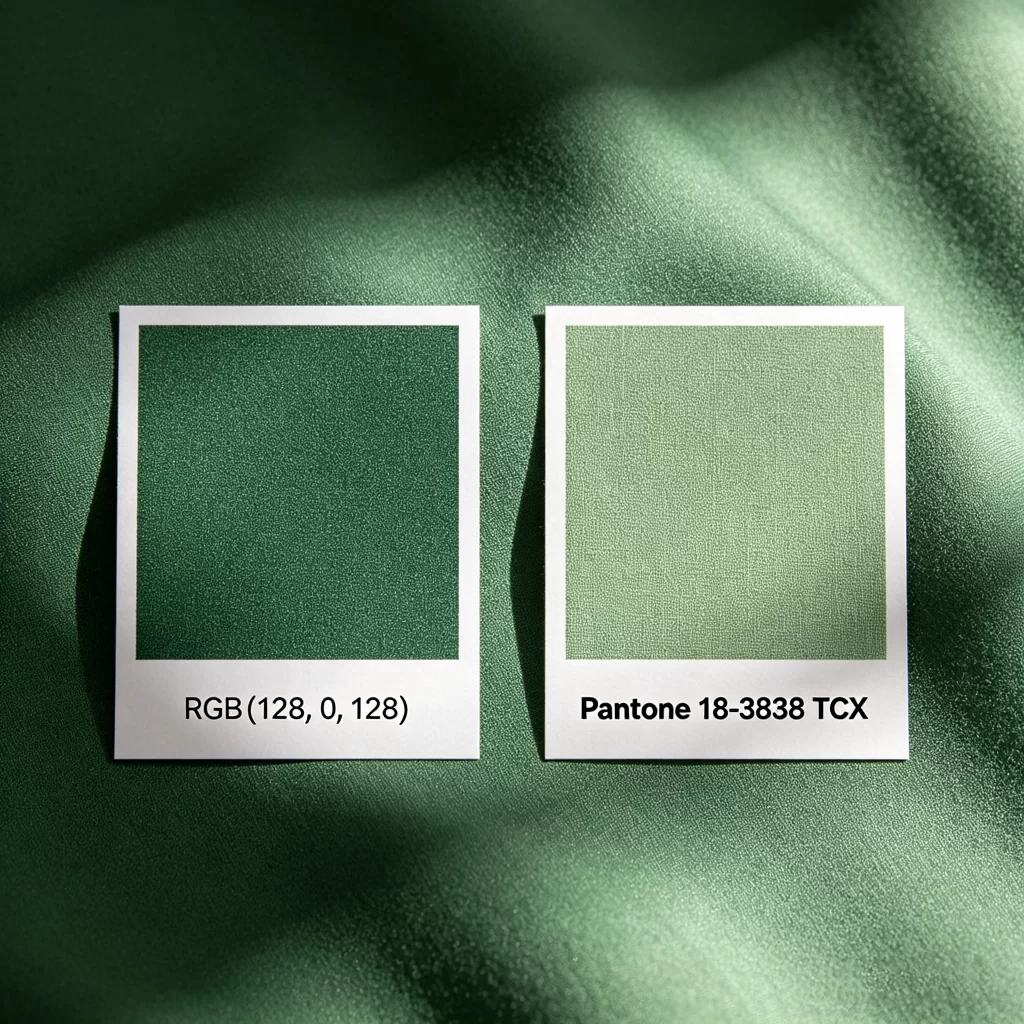
AI files support Pantone color codes, which helps keep color deviation within ±5%.
PNG files typically use RGB values, which can shift significantly during fabric dyeing or printing.
We have observed that RGB-based artwork can lead to noticeable color differences, especially in bright tones like red or blue.
Layer Structure Determines Production Feasibility
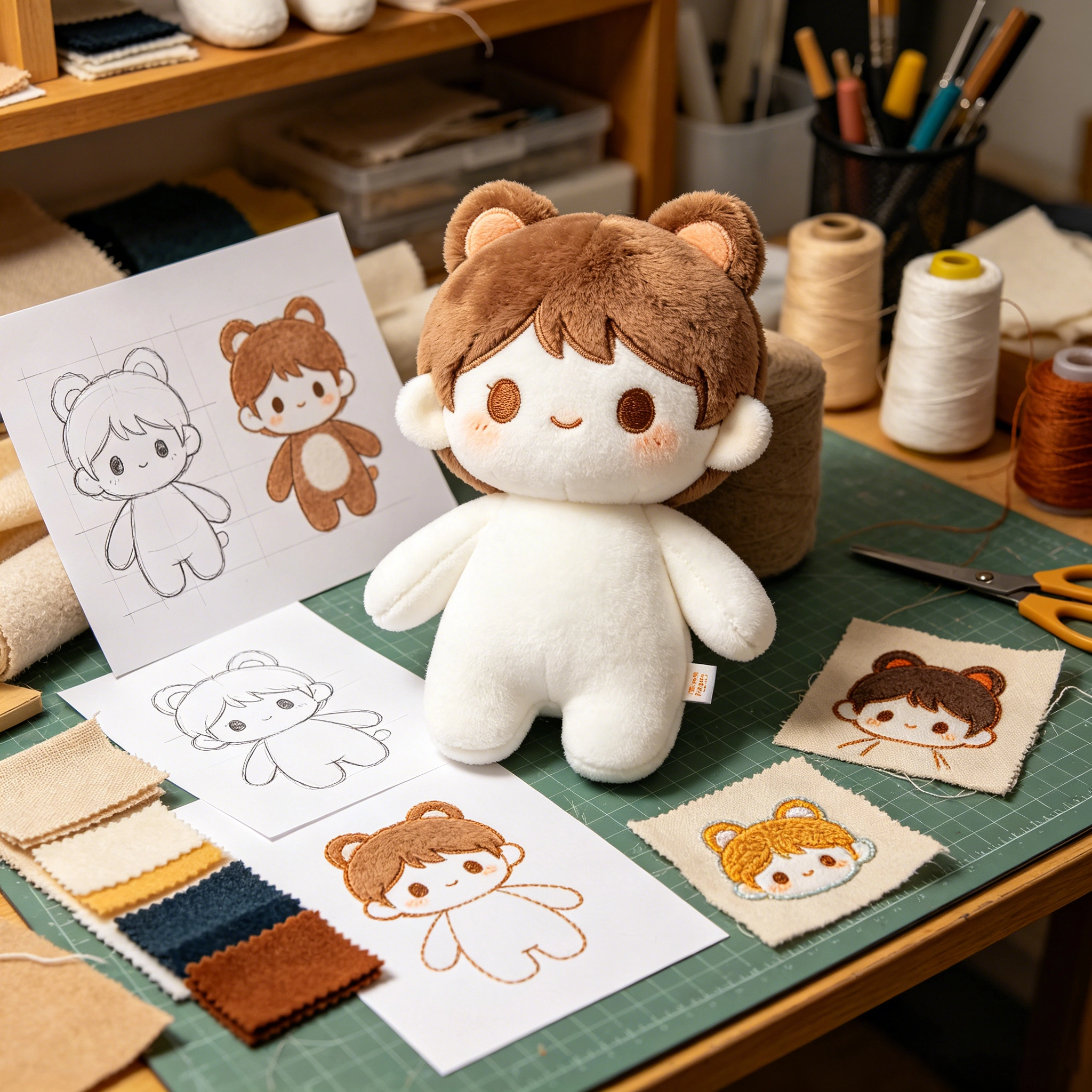
Layered artwork helps us separate different production processes.
For example:
- embroidery areas
- printed surfaces
- stitched panels
AI files usually include these layers, while PNG files combine everything into a single image.
Without layer separation, we need to manually interpret the design, which increases error risk.
When PDF or PNG Might Still Work
Not every project requires AI files.
PDF works when:
- the file retains editable vectors
- design complexity is low
PNG works when:
- it is used only as visual reference
- final production will be redrawn anyway
For early-stage concept validation, PNG files are often sufficient.
Who Should Use Which Format
AI files are suitable for:
- brands preparing for bulk production (500+ units)
- projects requiring accurate logo or IP reproduction
PDF files are suitable for:
- mid-stage review and confirmation
- simple plush designs
PNG files are suitable for:
- initial concept discussion
- quick visual reference only
If your goal is to move efficiently into the sampling stage, AI files are always the safest starting point.
FAQ Block
What is the best artwork format for plush toy production?
AI format is the most reliable because it allows full control over shape, size, and color.
In practical projects, AI files reduce interpretation errors and speed up sampling.
If AI is not available, a layered PDF can be a workable alternative, but PNG should only be used for reference.
Can you produce a plush toy from a PNG image?
Yes, but it requires additional work.
We usually need to redraw the artwork into a production-ready format, which adds 2–5 days to the sampling timeline.
This also increases development cost because design reconstruction is involved.
Why do AI files reduce sampling revisions?
AI files allow direct editing of proportions, colors, and details.
This means adjustments can be made quickly without reworking the entire design.
In contrast, PNG files require manual interpretation, which increases the chance of mismatch.
Does file format affect MOQ or pricing?
Indirectly, yes.
While MOQ (typically 500–1000 pcs) does not change, poor artwork can increase sampling cost and delay production.
This affects total project budget, especially for time-sensitive launches.
What if I only have a sketch or photo?
That is common in early-stage projects.
We can convert sketches into structured artwork during sampling, but this process takes additional time.
Providing clearer reference materials reduces iteration cycles.
Can you help prepare artwork files?
Yes, especially during the sampling stage.
We typically discuss your artwork and project requirements and suggest adjustments to ensure they are suitable for production.
This step helps avoid unnecessary delays later.